Home
Blog
Oppora’s Claude MCP is Live. Connect our Email Database & Outreach features with any tool to build smart automations inside Claude.
Home
Blog
Adam Hossain
Published July 15, 2026
14 min

Try Oppora AI
Create Self-Running Agentic Sales Workflows like N8N just by chatting with AI
Get Started for FREE
You know small business owners are on LinkedIn, so why is finding them so frustrating?
You run a search, and the results come back packed with recruiters, coaches, consultants, and people who called themselves founders three startups ago.
The owners you actually want stay buried under hundreds of irrelevant profiles.
The problem usually isn't LinkedIn. It's how the search is being built.
In this guide, you'll learn:
Before you fix your search, it helps to understand why the platform makes owners so hard to surface in the first place.
The difficulty rarely comes from a lack of owners on LinkedIn. It comes from how they describe themselves and how the search engine interprets those descriptions.
There is no standard title for someone who runs a small business, and that single fact breaks most searches.
A plumbing company owner might list "Owner." The person running a five-person design studio might call themselves "Creative Director."
A restaurant operator might simply write their own name and the business name.
Here are the title variations you will commonly run into:
Search for one title, and you quietly exclude everyone using the other twelve.
Small business owners are not building personal brands on LinkedIn. They are running businesses.
That means their profiles are frequently thin, with no headline detail, no company page linked, and no recent activity to confirm they are still active.
You will also find owners who sold the business two years ago but never updated the listing.
LinkedIn still shows them as current, so your search treats them as a live prospect when they are not.
A search for "founder" or "owner" pulls in a flood of people who are technically neither.
Recruiters, agency owners, freelance consultants, and coaches all use these titles freely on their profiles. So do people who founded a side project they abandoned long ago.
The result is a list that looks full but converts poorly.
Most people open LinkedIn, type "owner," and start clicking filters until the results feel manageable. That approach almost always produces a messy list.
A little preparation before you touch the search bar will do more for your results than any single filter ever could.
You cannot search well for a prospect you have not clearly described first.
Write down exactly what kind of small business you want to reach. A 3-person marketing agency and a 40-person HVAC company both need completely different searches.
Get specific about these four things:
Once these are written down, every filter choice becomes an obvious yes or no.
Since owners describe themselves inconsistently, your search needs to account for that inconsistency upfront.
Sit down and list every title someone in your target industry might realistically use. Pull a few real profiles from that space and read how they actually describe their role.
Keep this list saved somewhere. You will reuse it across every search you run, and it becomes the foundation for the Boolean strings you build later.
Suggested Reading:
How to Build a Prospect List Without Manual Research — Try Oppora.ai in LiveThe tool you are searching with determines what is even possible.
Free LinkedIn gives you basic keyword search, location, and current company filters. It also caps how many searches you can run each month, which limits serious prospecting.
Sales Navigator opens up company headcount, seniority level, exclusion filters, and saved search alerts.
If you are targeting owners at any real volume, these filters are what make precision possible.
Suggested Reading:
How to Use LinkedIn Sales Navigator Advanced Search (+Full Filter List)Resist the urge to apply every filter at once.
Begin with a wide search using your title variations and a location. Look at the results, notice what kind of noise is showing up, and then add one filter to remove that specific noise.
This staged approach shows you what each filter is actually doing.
With your targeting defined and your title list ready, you can finally start building searches that actually surface owners.
Each hack below solves a specific problem, from cutting out recruiters to catching owners who never bothered filling in a proper job title.
Use them together rather than in isolation. That is where the real precision comes from.
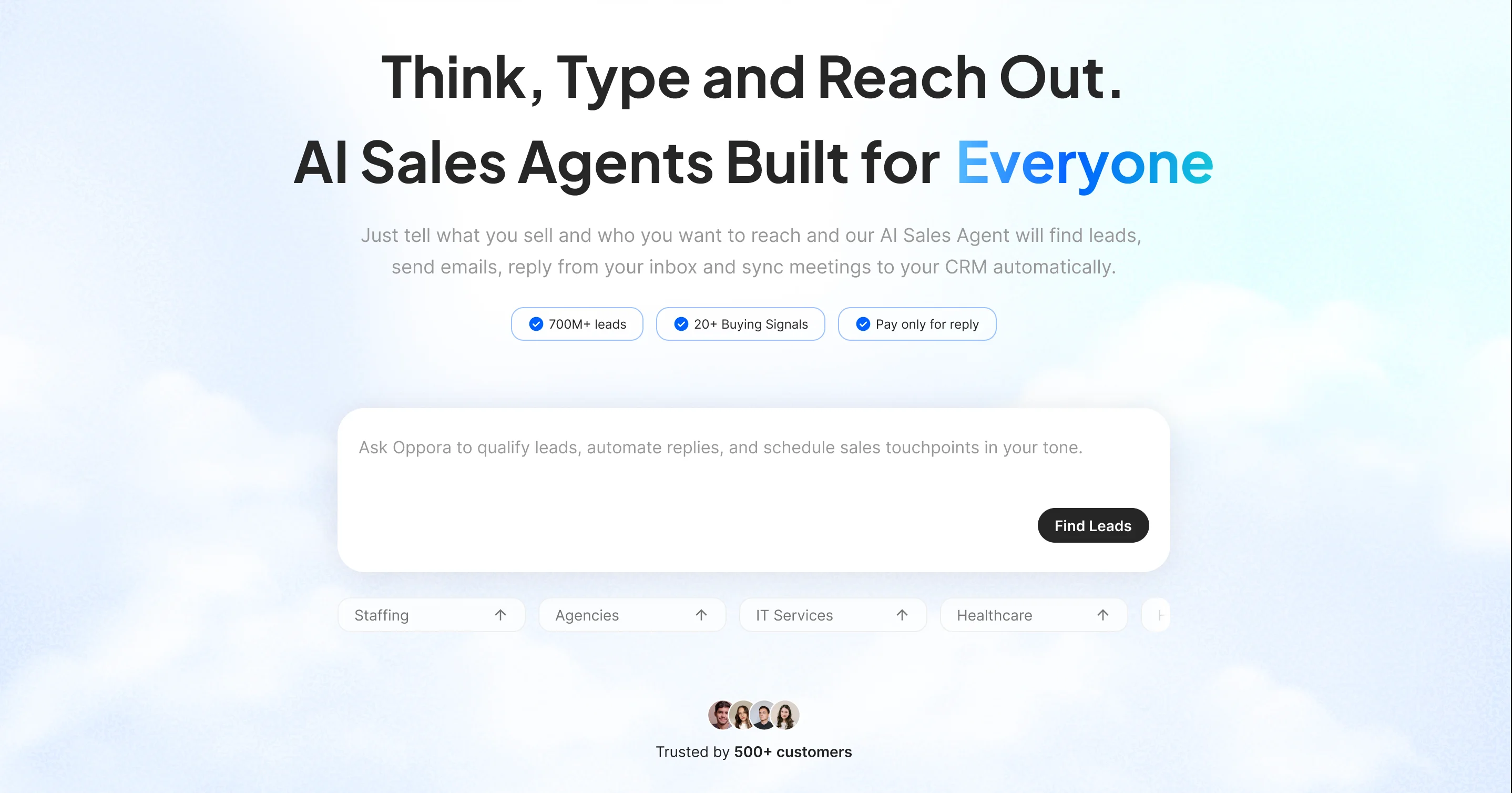
Manual searching works, but it breaks down the moment you need volume.
Oppora AI is an AI-powered prospecting and outreach platform built for teams doing outbound at scale.
It combines a 1B+ verified lead database with a local business lead finder, so the process of finding small business owners on LinkedIn stops being a filter-by-filter grind and becomes a repeatable list-building workflow.
You describe the owner profile you want, and Oppora assembles the list for you.
Here is what it handles on your behalf:
Say you sell website services to dental clinics in Texas.
Oppora can pull clinic owners across the state daily, enrich each contact, score them, and push the qualified ones straight into a sequence.
You spend your time on conversations instead of search results.
Remember that title list you built earlier? This is where it starts paying off.
The OR operator tells LinkedIn to return profiles matching any of the titles you specify, instead of forcing you to run four separate searches for four separate words.
A working string looks like this:
(Owner OR Founder OR "Managing Director" OR President OR Proprietor)
Wrap the whole group in parentheses so LinkedIn treats it as one condition. Without them, the search logic falls apart and your results get unpredictable.
Start with five or six titles. Run the search, scan the results, and add any variation you notice showing up that you missed.
Your OR string will pull in owners, but it will also pull in a lot of people you never wanted.
NOT removes them. It tells LinkedIn to exclude any profile containing a specific word, which is the fastest way to clean up a noisy result page.
Add exclusions like this:
(Owner OR Founder) NOT (Recruiter OR Coach OR Consultant OR Freelance)
The words you exclude should come from what you actually see cluttering your results, not from a generic list.
Run the search first, look at who is showing up wrongly, and cut those terms specifically.
Be careful not to over-exclude here. Cutting "consultant" will also remove legitimate owners of consulting firms if that is your target market.
Multi-word titles need quotation marks, or LinkedIn will treat each word separately.
Search for Managing Director without quotes and you get every profile containing "managing" anywhere and every profile containing "director" anywhere.
That includes managers, assistant directors, and project managers who are nowhere near ownership.
Search for "Managing Director" with quotes and you get people who hold exactly that title.
Apply quotes to any title longer than a single word:
This one small change tightens your results more than most people expect.
Titles alone will not keep enterprise executives out of your list.
A founder at a 900-person company still shows up as a founder. Headcount filtering is what separates the small business owners you want from the corporate leadership you do not.
In Sales Navigator, set company headcount to your target band. For most small business targeting, 1-10 and 11-50 cover the majority of what you need.
Combine this with your title string and the list gets noticeably cleaner.
Boolean NOT operators clean up titles, but Sales Navigator gives you exclusion filters that work at a structural level.
These let you remove entire categories of profiles without writing a single line of search syntax.
You toggle them off, and the results update instantly.
The exclusions worth using every time include:
Excluding existing leads matters more than it sounds. Nothing damages a campaign faster than sending a cold opener to someone your colleague spoke with last month.
Layer these on top of your Boolean string rather than replacing it. Each one is solving a different problem.
Suggested Reading:
How to Use LinkedIn Advanced Search to Find Your Ideal Prospects FasterSome of the best small business owners will never appear in a title search, because their title tells you nothing.
Plenty of owners write their headline as something like "Helping local restaurants get more customers" with no ownership word anywhere.
Your OR string skips them entirely.
Keyword search fixes this by looking inside the full profile instead of just the title field. It scans the About section, experience descriptions, and skills.
Try searching for phrases owners naturally write about themselves:
These searches surface a different pool of people than title searches do. Run both and merge the results.
LinkedIn's own search has limits, especially on a free account. Google does not.
X-Ray search means using Google to search inside LinkedIn directly, which sidesteps LinkedIn's result caps and monthly search restrictions entirely.
The syntax is straightforward:
site:linkedin.com/in "owner" "plumbing" "Austin"
Swap the quoted terms for your own industry, title, and location. Google returns public LinkedIn profiles matching all three.
This works particularly well for local business owners, because their profiles often mention the city or service area explicitly.
You will also find profiles that LinkedIn's internal search buried for reasons that are never quite clear.
The temptation is to stack every filter at once and hope for a perfectly clean list.
What actually happens is you end up with eleven results and no idea which filter killed everything.
Add one filter, look at the count, then add the next. When the number drops off a cliff, you know exactly which condition was too aggressive and you can loosen it.
This takes an extra two minutes and saves you from rebuilding the search from scratch.
Once a search produces good owners, do not let that work disappear into your browser history.
Sales Navigator lets you save any search and will alert you when new profiles start matching your criteria.
That matters because LinkedIn is not a static database.
Owners update their titles, new businesses register every week, and people step into ownership roles constantly.
A search you ran in March will surface completely different people by June.
Save your best-performing searches and check the alerts weekly.
You turn a one-time list into an ongoing source of fresh prospects, without rebuilding the same Boolean string every single month.
A clean list of owner profiles is not the same thing as a pipeline.
What you have at this point is raw material. The next few steps are what turn those profiles into conversations that actually go somewhere.
LinkedIn will happily show you an owner who sold their company eighteen months ago.
Before you reach out, spend thirty seconds verifying they are still in the role.
Check whether the company page is still active, whether the profile shows recent posts or comments, and whether the business website still lists them as leadership.
If the last activity on the profile is from 2022 and the company page is gone, move on.
This check costs almost nothing and protects you from the most embarrassing kind of cold outreach.
A LinkedIn profile alone gives you one channel, and it is the channel owners check least.
Small business owners live in their inbox and on their phone. They log into LinkedIn when they remember to, which is not often.
Enrichment closes that gap by attaching real contact data to each profile:
Now you can reach the same person three different ways instead of hoping a connection request gets noticed.
"I see you're the founder" is not personalization. It is the opposite.
Owners get that opener a dozen times a week and delete it without reading further.
What actually earns a reply is showing you understand their business, not their job title.
Reference something specific. A new location they opened, a service they recently added, a review they responded to, or a hiring post that signals they are growing.
That single detail proves a human looked at their business before writing.
Suggested Reading:
20 LinkedIn Cold Message Templates for Better OutreachSilence on LinkedIn rarely means no. It usually just means they never saw your message.
Owners are busy running a business, not refreshing their notifications.
So give it a week, then move the conversation over to email where they actually spend their working day.
If email stays quiet too, a short phone call is fair game.
Most owner deals close on the third or fourth touch, not the first one.
Knowing the right search hacks only helps if you are not quietly undoing them somewhere else.
Most people who struggle to find small business owners on LinkedIn are making one of these five mistakes, and usually without realizing it.
This is the mistake that wastes the most outreach effort.
LinkedIn does not force anyone to update their profile when they leave a company.
So the person listed as owner might have sold the business, closed it, or moved into a completely different role two years ago.
You send a message about their plumbing company, and they reply that they work in software now.
Verify before you write. It takes seconds and it saves the entire conversation.
Stacking filters feels productive. It is usually just narrowing your list into uselessness.
When you apply title, headcount, industry, location, seniority, and keyword filters all at once, you cannot tell which one destroyed your results.
You just see a small number and assume the market is thin.
Add filters one at a time and watch the count after each. The market is almost never as thin as an over-filtered search suggests.
A perfectly matched owner who operates 2,000 miles outside your service area is not a lead.
This sounds obvious, but it happens constantly when people focus entirely on getting the title logic right and forget the practical constraints of their own business.
Before you build any search, be clear on these three:
Relevance beats volume every single time here.
A saved search from three months ago is a snapshot, not a live list.
Owners change titles. Companies get acquired. Profiles go dormant. The list that was 90% accurate in spring can be closer to 70% by summer.
Refresh your saved searches before each campaign, and re-verify anything that has been sitting untouched for more than a month.
Export a few hundred profiles and you will find problems in the file.
The same owner appears twice under different company entries. Emails come back with obvious formatting errors. Some rows have no company name at all.
Clean the file before it touches your sequencing tool.
Duplicates mean the same person gets messaged twice, and bad emails push up your bounce rate, which quietly damages your sending domain.
Five minutes of cleanup protects everything downstream.
Finding small business owners on LinkedIn is not about one magic filter.
It comes down to knowing who you want, writing search strings that account for how owners actually describe themselves, and then verifying what you find before you reach out.
Get those three things right and your list quality changes immediately.
The one thing that does not scale is doing it manually every week.
That is where Oppora AI fits, pulling owner lists, enriching them with verified emails direct numbers, and scoring them before outreach starts.
Build your search properly first. Then let a tool handle the repetition.
LinkedIn caps free accounts with a commercial use limit that typically resets on the first of each month. There is no published number, and it varies by activity. Heavy searching triggers it faster. If you hit it, X-Ray search remains available.
Automated scraping violates LinkedIn's user agreement and can get accounts restricted or banned. Manual searching, saved searches, and Sales Navigator exports are permitted. Third-party data providers that source contacts independently are a safer route than tools that automate actions inside your account.
Stay under roughly 20 to 25 per day, especially on a newer account. LinkedIn also enforces a weekly invitation limit. A low acceptance rate signals spam, so quality targeting protects your account more than volume ever will.
Requests without notes often see higher acceptance, since a note gives people something to reject. But a note referencing something specific about their business tends to earn better conversations afterward. Test both against your own audience before committing.
At businesses under 20 people, the owner usually makes every buying decision, so go direct. Above that, an operations or marketing manager may be the real gatekeeper. Company headcount is your best signal for which door to knock on.
Summarize with AI
Share