Back to Email Campaign Management
Email Campaign Management
Set up a custom tracking domain
Advance
4 min read
Updated June 22, 2026
Oppora Team
What You'll Learn
This comprehensive guide will walk you through the essential concepts and practical steps needed to master this topic. By the end of this article, you'll have a solid understanding of the key principles and be ready to implement them in your workflow.
A custom tracking domain routes the open, click, and unsubscribe links in your campaigns through your own domain (like track.acme.com) instead of a shared one. It takes about five minutes and a single DNS record.
What is a custom tracking domain?
Every email you send through Oppora can carry an open-tracking pixel, click-tracked links, and an unsubscribe link. By default those point to a domain Oppora shares across many senders. A custom tracking domain swaps that shared host for a subdomain of your own, so the links line up with the address you actually send from.
Why you need one
- Protect your deliverability. Inbox providers and URL blocklists judge the domain inside your links. On a shared domain, another sender's behavior can drag down your inbox placement. Your own domain isolates your reputation.
- Align links with your brand. Recipients and spam filters see
track.acme.com, not a generic shared host. Matching your link domain to your sending domain is a positive signal that helps you land in the inbox. - Look first-party, not bulk. Branded tracking links read as your own infrastructure rather than a mass-email tool.
Before you start
You'll need:
- A mailbox connected on your own domain (for example
[email protected]). Free providers like Gmail or Outlook can't be used, because you need DNS control over the domain. - Access to your domain's DNS settings (your registrar or DNS host, e.g. Cloudflare, GoDaddy, Namecheap).
- About five minutes. DNS changes can take a few minutes to a few hours to take effect.
Set it up
Step 1 — Open the tracking-domain setup
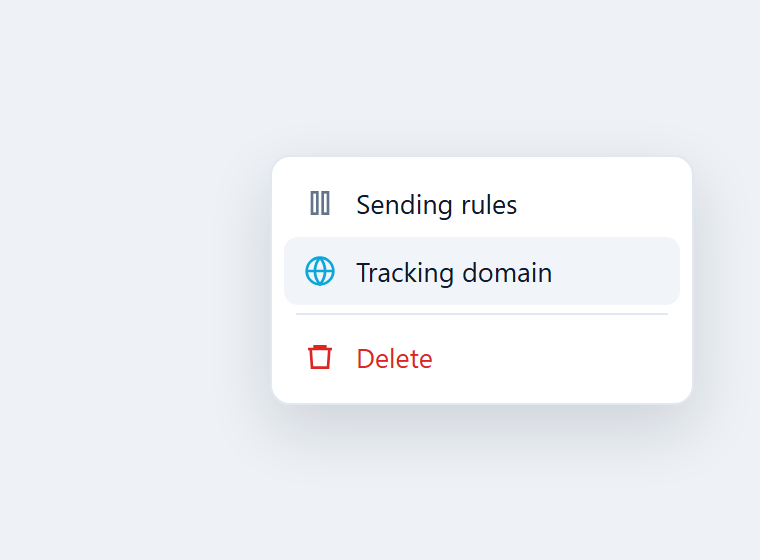
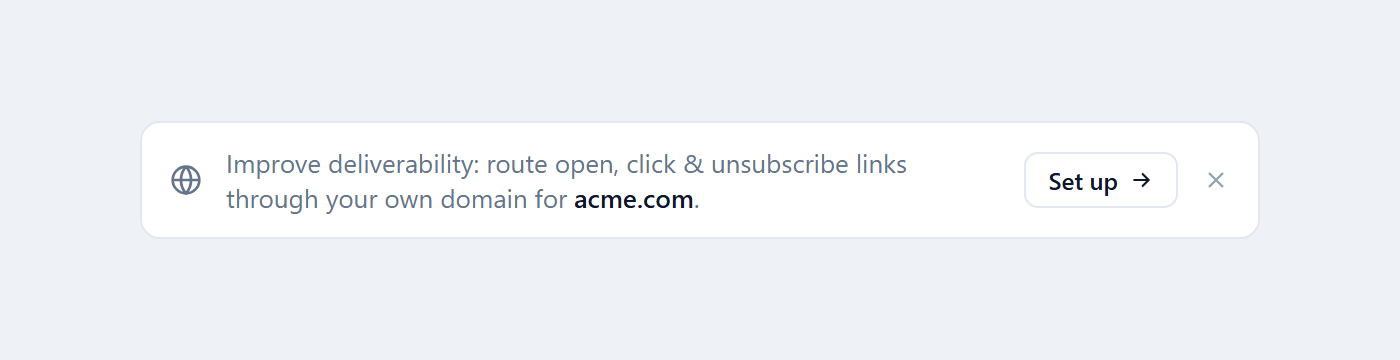
Go to Email accounts in the left menu. Find a mailbox on your own domain, open the ⋮ menu on its row, and choose Tracking domain. You can also click Set up on the deliverability banner above the list.
Step 2 — Choose your subdomain
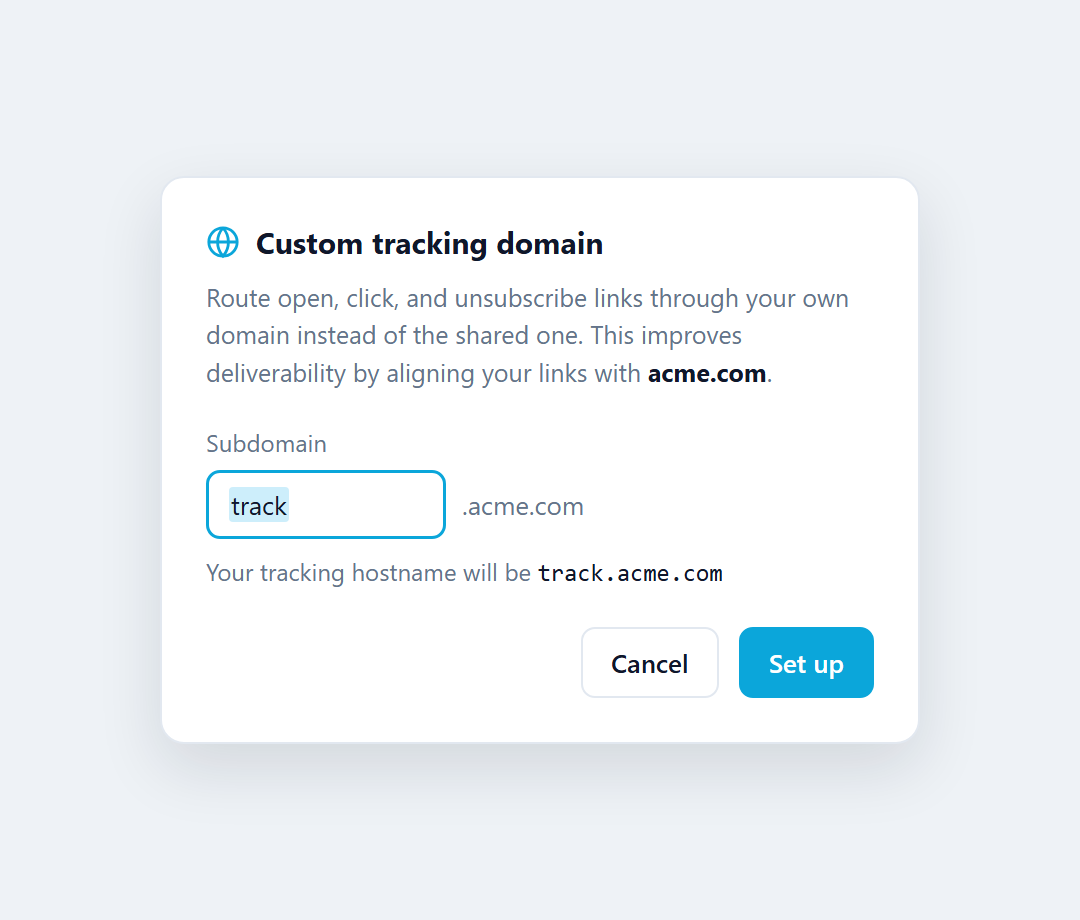
We suggest track, which gives you track.acme.com. You can change it to links, go, email, or anything you like. Click Set up.
Step 3 — Add the CNAME record at your DNS provider
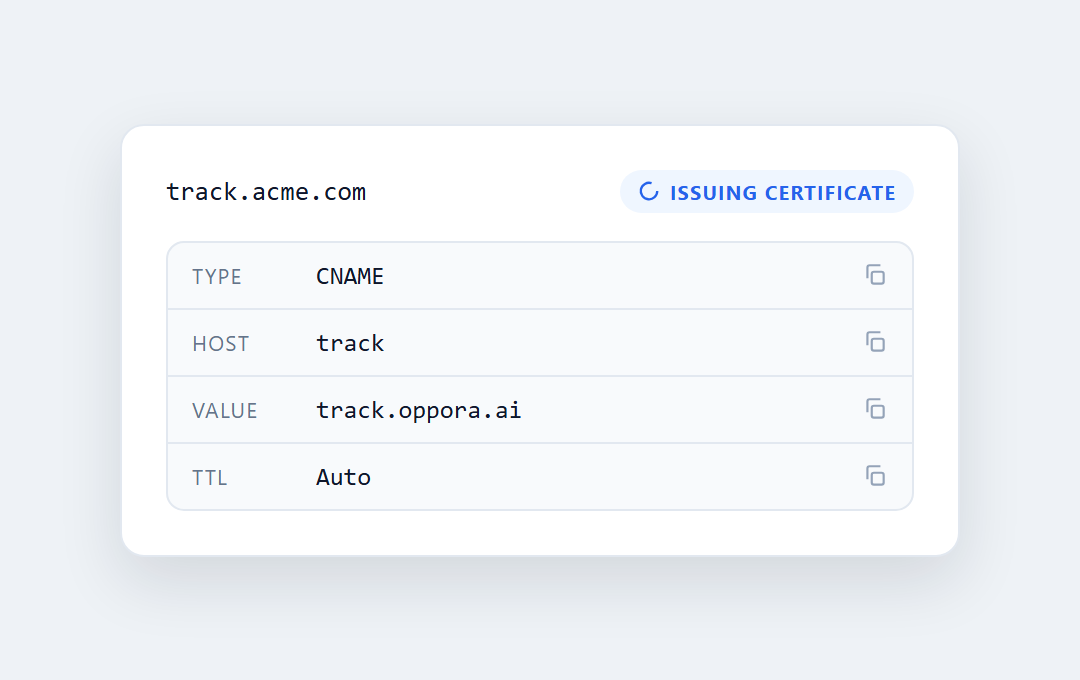
Copy the record shown and add it wherever you manage DNS for acme.com. Add it as DNS only (don't proxy it). Use the exact values from your own screen, since the target can differ by account.
| Field | Value |
|---|---|
| Type | CNAME |
| Host | track |
| Value | track.oppora.ai |
| TTL | Auto |
Step 4 — Verify and let us issue the certificate
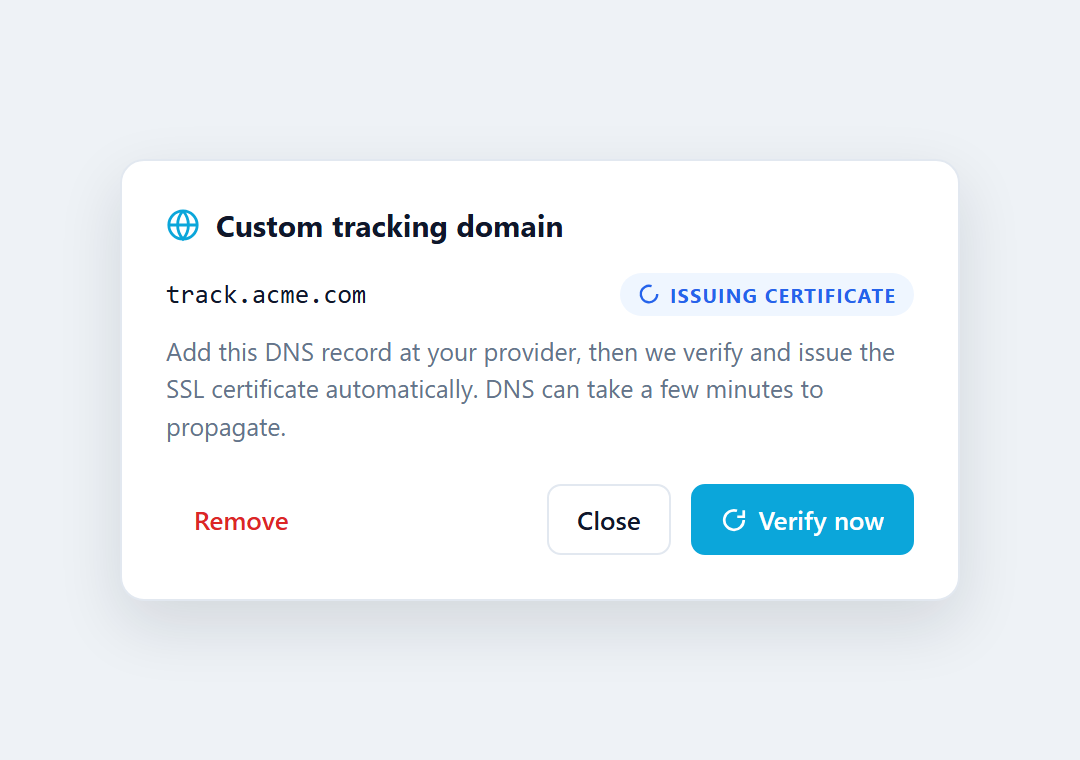
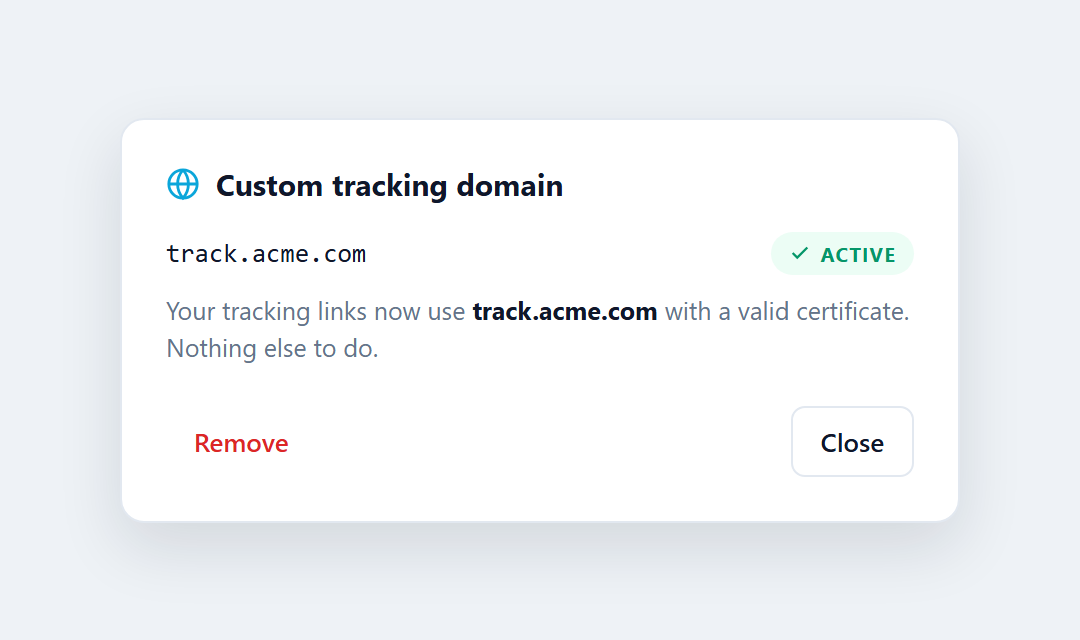
Back in Oppora, click Verify now. We check the record and issue an SSL certificate for your hostname automatically. The status moves from Issuing certificate to Active, usually within a few minutes.
Step 5 — You're done
When the status turns Active, every campaign you send from that domain automatically uses track.acme.com. There's nothing else to change.
💡 Tip: Not sure where to start? Look for the slim banner at the top of your Email accounts list — it points to any domain that doesn't have a custom tracking domain yet and opens this setup in one click.
What it covers
Once active, your custom domain handles all three link types in every campaign sent from that domain, including follow-ups. Sends from other domains are unaffected.
- Open tracking — the invisible pixel that records opens.
- Click tracking — wrapped links, when click tracking is on.
- Unsubscribe links — both the body link and the one-click header.
Troubleshooting
⚠️ Still shows "Issuing certificate" after a while. DNS can take up to 24–48 hours to propagate. Re-check the CNAME for typos and make sure there's no conflicting record for the same host, then click Verify now again.
⚠️ Status shows "Failed". Usually the CNAME isn't found yet or points to the wrong value. Confirm the Host and Value match your setup screen exactly, wait for propagation, and retry.
⚠️ The option is greyed out. That mailbox is on a free provider (Gmail, Outlook, Yahoo, etc.) where you can't add DNS records. Connect a mailbox on a domain you own.
Frequently asked questions
Do I need one for every mailbox?
No — it's one per sending domain. Set it up once for acme.com and it covers every mailbox on that domain (sales@, hello@, you@, and so on).
Does it cost anything?
No. It's included with Oppora. You only need a domain you already control, and the SSL certificate is issued for you automatically.
Will it disrupt my existing campaigns?
No. New sends from that domain start using the custom domain automatically. Emails you already sent are unchanged.
Does this affect my website or main domain?
No. You're only adding a subdomain (track.acme.com) that handles tracking. Your root domain, website, and existing DNS records are untouched.
What happens if I remove it?
Tracking falls back to Oppora's shared domain. No links break and no emails fail — you just lose the alignment benefit until you set one up again.
Was This Article Helpful?
Continue exploring our knowledge base or get in touch with our support team for personalized assistance.