Home
Blog
Oppora’s Claude MCP is Live. Connect our Email Database & Outreach features with any tool to build smart automations inside Claude.
Home
Blog
Adam Hossain
Published July 14, 2026
15 min

Try Oppora AI
Create Self-Running Agentic Sales Workflows like N8N just by chatting with AI
Get Started for FREE
Winning new clients is the hardest part of running a staffing agency.
You already know how to fill roles, but finding companies that are actively hiring, reaching the right decision-maker, and staying ahead of competing recruiters is a completely different challenge.
Most agencies still rely on cold lists and manual LinkedIn searches that eat hours and rarely convert.
The right lead generation tool changes that by surfacing hiring signals and putting outreach on autopilot.
In this guide, you will learn:
Before you trust any tool with your pipeline, it helps to know what actually separates a useful platform from an expensive contact list.
Staffing agencies have needs that generic sales teams do not, so we judged every tool on how well it supports recruiting-led business development.
A lead generation tool is only as good as the data sitting behind it. If the emails bounce and the direct dials go nowhere, nothing else on the feature list matters.
We looked at how large each database is, how often records are refreshed, and whether the platform verifies contacts before handing them to you.
We also weighed coverage depth for the roles staffing agencies actually sell to, such as HR leaders, talent acquisition managers, and hiring managers inside growing departments.
Suggested Reading:
10 Best B2B Database Tools for High-Volume Lead GenerationTiming decides most staffing deals. Reaching a company two weeks after they signed with another agency is the same as never reaching them at all.
That is why we prioritized tools that surface hiring signals like open job postings, headcount growth, funding rounds, and leadership changes.
Strong filtering mattered too.
You should be able to narrow a search down to companies hiring for specific roles, in specific locations, within a specific size band, without exporting a spreadsheet and cleaning it yourself.
Finding the lead is half the job. Getting a reply is the part most agencies struggle with.
We examined whether each platform can run sequenced email and LinkedIn outreach, personalize messaging at scale, and follow up automatically when a prospect goes quiet.
AI capabilities were assessed on practical output rather than marketing claims, so we focused on lead scoring, message drafting, and automated reply handling that genuinely reduce manual work.
Suggested Reading:
10 Best AI Outreach Agent to Scale Outbound & Book More DemosRecruiters are not going to babysit a complicated dashboard between candidate calls.
We favored platforms your team can learn in a day, with clean interfaces and workflows that do not require a dedicated operations hire to maintain.
Integrations carried real weight here:
Finally, we compared what each tool costs against what it actually delivers.
Some platforms charge enterprise rates for data you can source elsewhere, while others pack outreach, enrichment, and automation into a plan a boutique agency can afford.
Value, not price alone, decided the ranking.
With that scoring framework in place, here is how the top platforms actually stack up.
Each tool below is reviewed on the features that matter to staffing agencies, how it helps you win more clients, and what it costs.
Some are built purely for data, while others handle the entire cycle from finding hiring companies to booking the meeting.
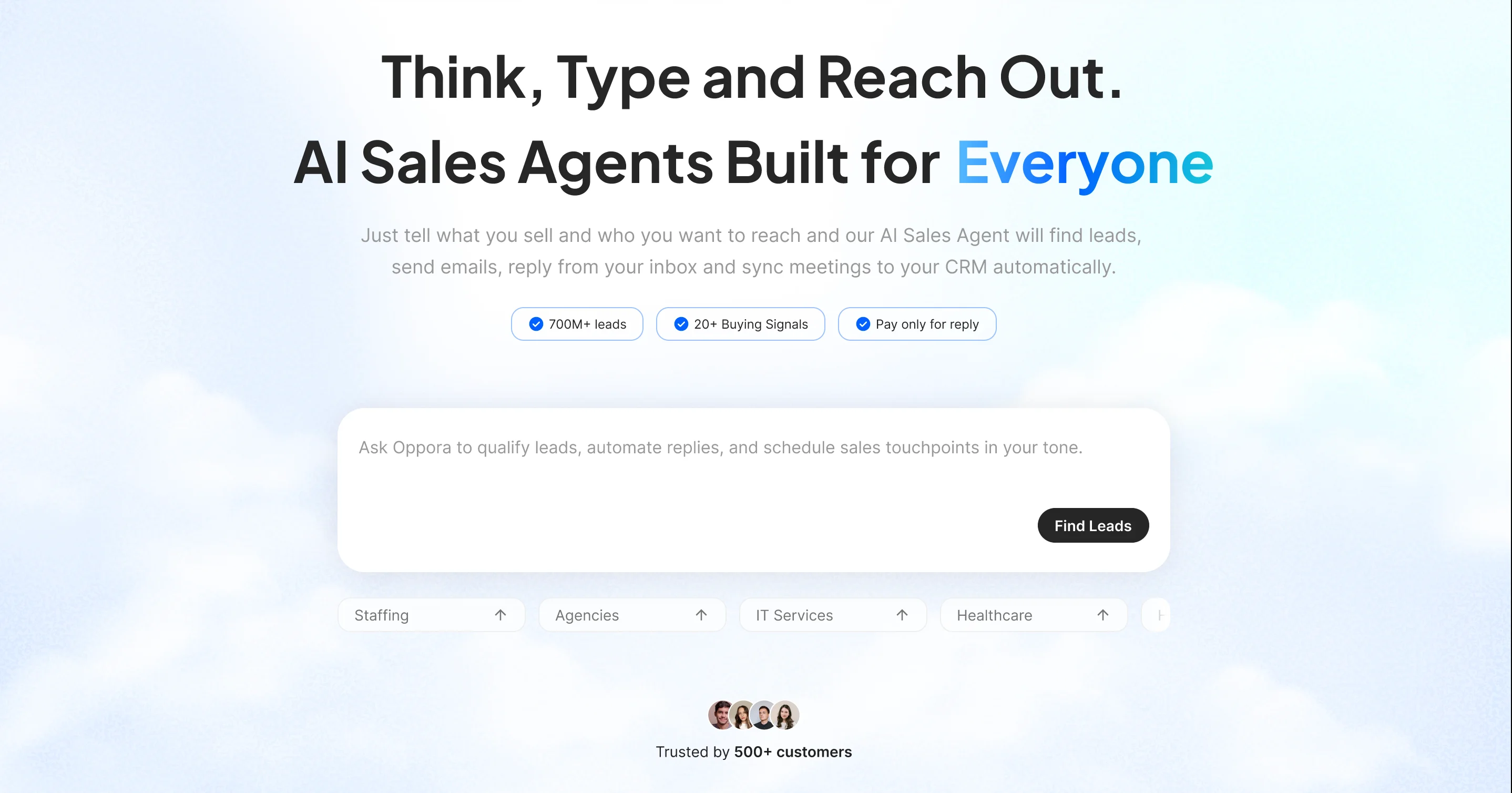
Oppora AI is an agentic prospecting and outreach platform that finds your ideal clients, enriches their contact details, and runs the outreach through AI agents.
It handles the full cycle in one place, from lead discovery to booked meetings, without stitching together three separate tools.
That combination makes it one of the best staffing agency lead generation tools available today, especially if you want the entire lead generation process for your staffing agency running without a dedicated BD hire.
Your BD team can build a workflow like this: every day at 9 am, find SaaS companies in the US that posted openings for AI developers in the last 24 hours, with a company size of 51 to 200.
Oppora then pulls the decision-makers at those companies, finds and verifies their emails, and adds them to your ongoing outreach campaign.
From there, the AI agent handles the personalized emails, the LinkedIn touchpoints, and the follow-ups, so your recruiters only step in when a real client conversation is ready.
Apollo.io is one of the most widely used sales intelligence platforms, and it has become a default starting point for agencies that want data and outreach in a single subscription.
It pairs a large contact database with sequencing tools, so you can go from search to first email without switching apps.
You can filter for companies posting roles in your niche, pull the HR or department head, and drop them straight into a sequence.
The headcount growth filter is useful for spotting firms that are expanding before they publicly advertise every opening.
Free plan available. Paid plans start at $49 per user/month (Basic), with Professional at $79 and Organization at $119 per user/month, billed annually.
If Apollo is the accessible starting point, ZoomInfo sits at the opposite end of the market as the enterprise-grade data platform.
It is built for teams that need deep firmographic coverage and direct dials on hard-to-reach executives, and it prices accordingly.
The org chart view is genuinely useful when you are selling into a large enterprise and need to know who owns the hiring budget.
You can also track expansion signals, like a new office opening or a funding round, and reach out before the requisitions are even posted.
ZoomInfo does not publish standard pricing. Plans are quoted per seat and commonly start in the range of $15,000 per year for a small team, so you will need to speak to sales for an exact figure.
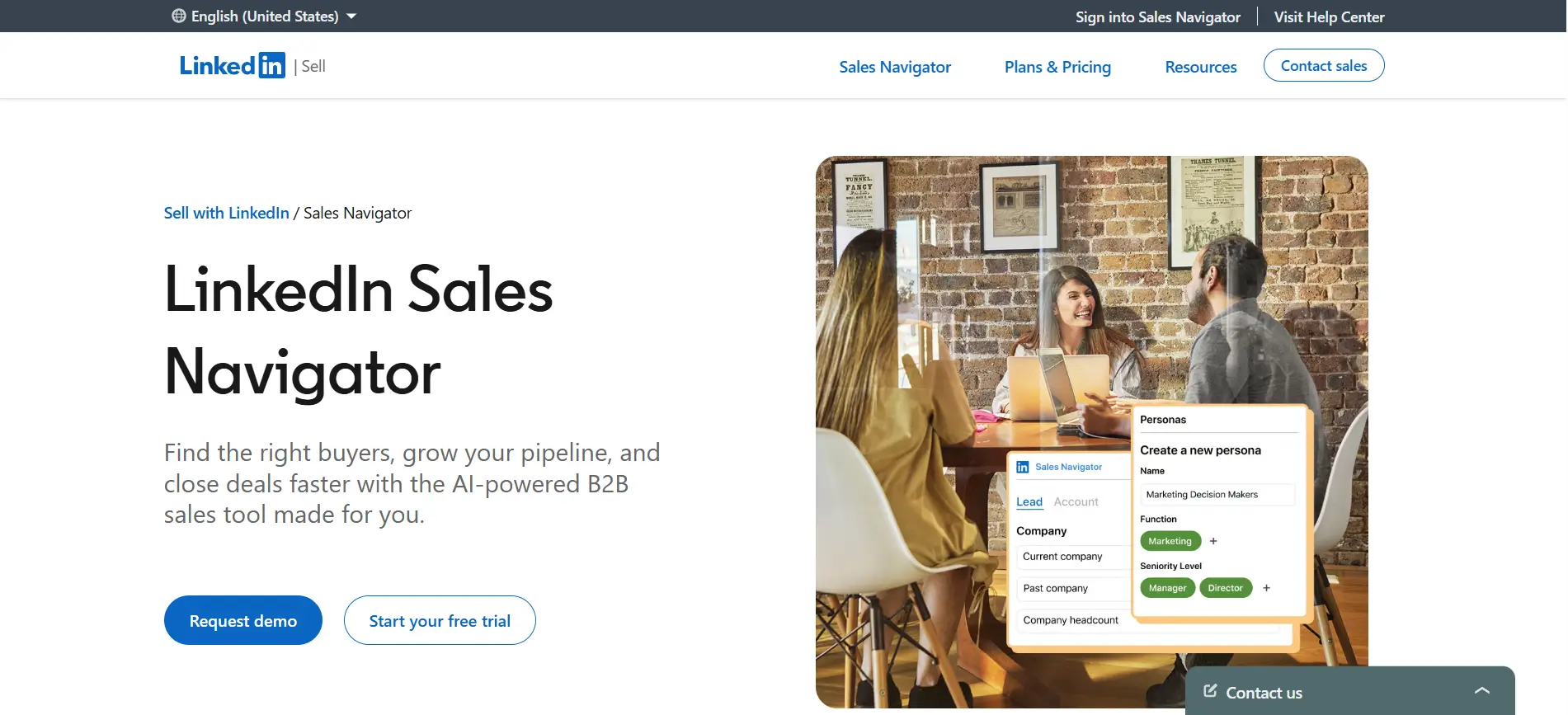
ZoomInfo gives you depth, but most staffing conversations still start on LinkedIn, which is where Sales Navigator earns its place.
It sits directly on top of the platform your prospects already use every day, giving you search power the free version simply does not offer.
Job change alerts are the standout here. When a new HR director or VP of Talent lands at a target account, you can reach out during the window where they are actively rebuilding their vendor list.
The headcount growth filter also helps you spot departments quietly scaling before the roles hit a job board.
Core starts at $99.99/month, Advanced at $179.99/month, and Advanced Plus is custom-quoted, with discounts on annual billing.
Suggested Reading:
11 Best LinkedIn Sales Navigator Alternatives (Free + Paid Tools)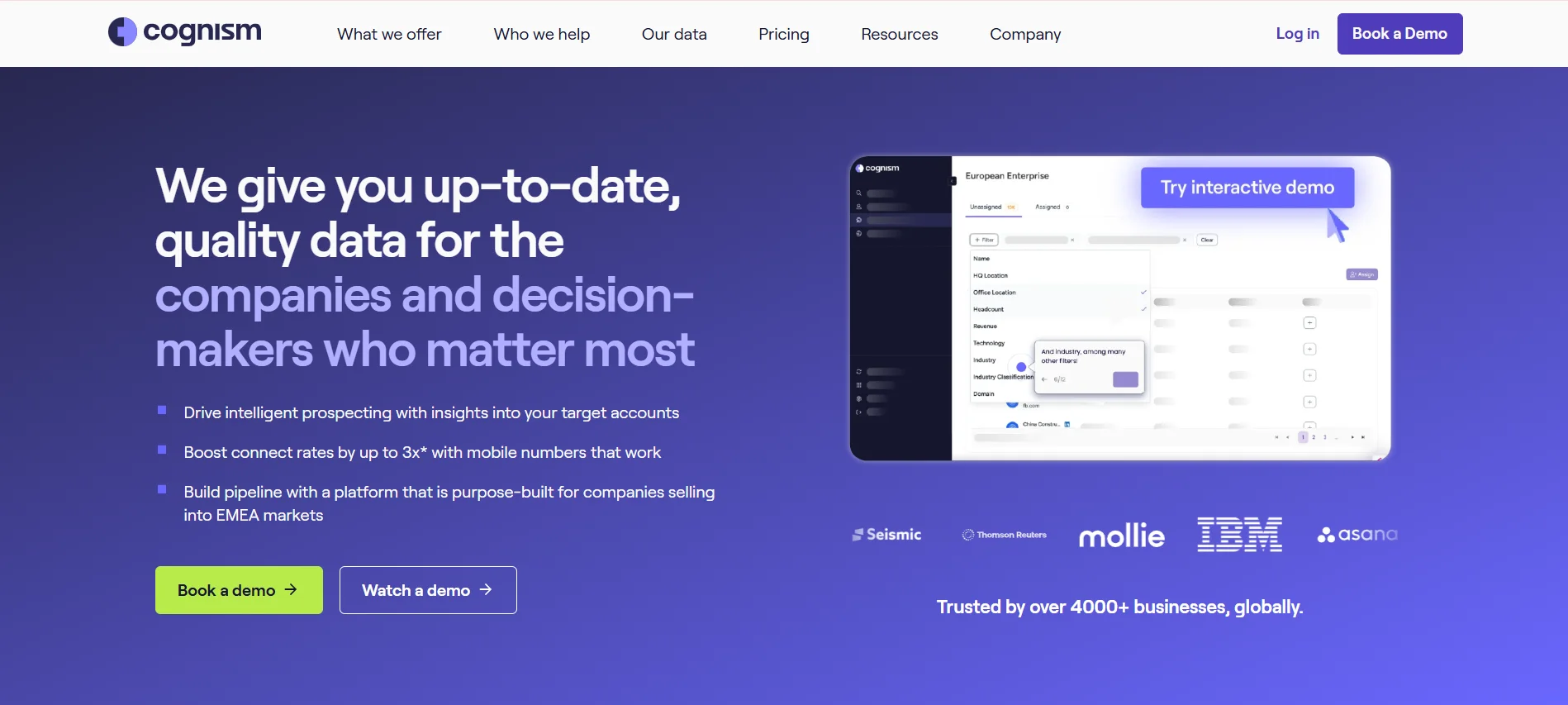
Sales Navigator tells you who to call, but it will not hand you a phone number, which is exactly the gap Cognism fills.
It is a data provider built around compliant contact information, with a particularly strong reputation for mobile numbers in Europe and the UK.
If your business development still runs on the phone, the verified mobile coverage is the reason to look here.
You spend less time dialing dead numbers and more time in actual conversations with hiring managers.
The compliance angle matters too, especially if you prospect across the EU where data rules are unforgiving.
Cognism does not publish pricing publicly. Plans are quoted annually per seat, with platform access typically starting around $15,000 per year depending on data volume and add-ons.
Suggested Reading:
10 Best Cognism Alternatives (Compared by Pricing & Features)
Cognism is a serious investment, so if you want similar contact data without an enterprise contract, Lusha is the lighter alternative.
It focuses on doing one thing well: pulling accurate emails and phone numbers quickly, straight from LinkedIn or a company website.
The extension is the real draw for recruiters. You browse a hiring manager's LinkedIn profile, click once, and get their work email and mobile without leaving the tab.
For a small agency running lightweight BD alongside recruiting, that speed often beats a heavier platform nobody has time to learn.
Free plan with limited monthly credits. Paid plans start at $36 per user/month (Pro) and $59 per user/month (Premium), with Scale offered as custom pricing.
Suggested Reading:
11 Lusha Alternatives for 2026: Better Data, Pricing & Accuracy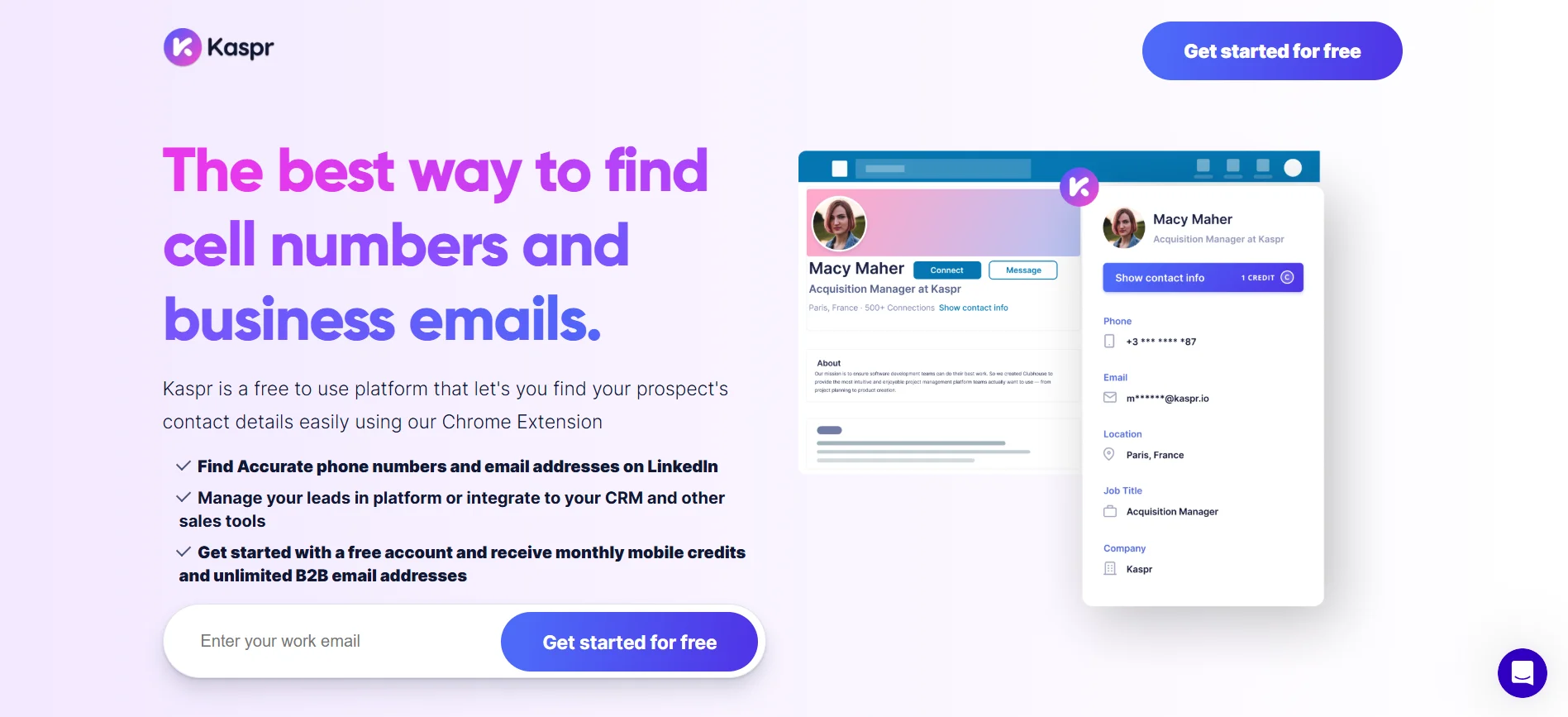
Lusha keeps things simple, and Kaspr takes that idea even further by living almost entirely inside LinkedIn.
Now owned by Cognism, it is built for recruiters and sales reps who prospect directly from profiles, searches, and group members.
If your BD workflow already lives on LinkedIn, Kaspr removes the export-and-clean step entirely. You run a Sales Navigator search for HR leaders in your niche, pull contact details in bulk, and start outreach the same afternoon.
It is a practical fit for small teams that want speed over a full sales intelligence suite.
Free plan with limited credits. Starter is around $65 per user/month, Business around $99 per user/month, and Organization is custom-quoted, with annual discounts available.
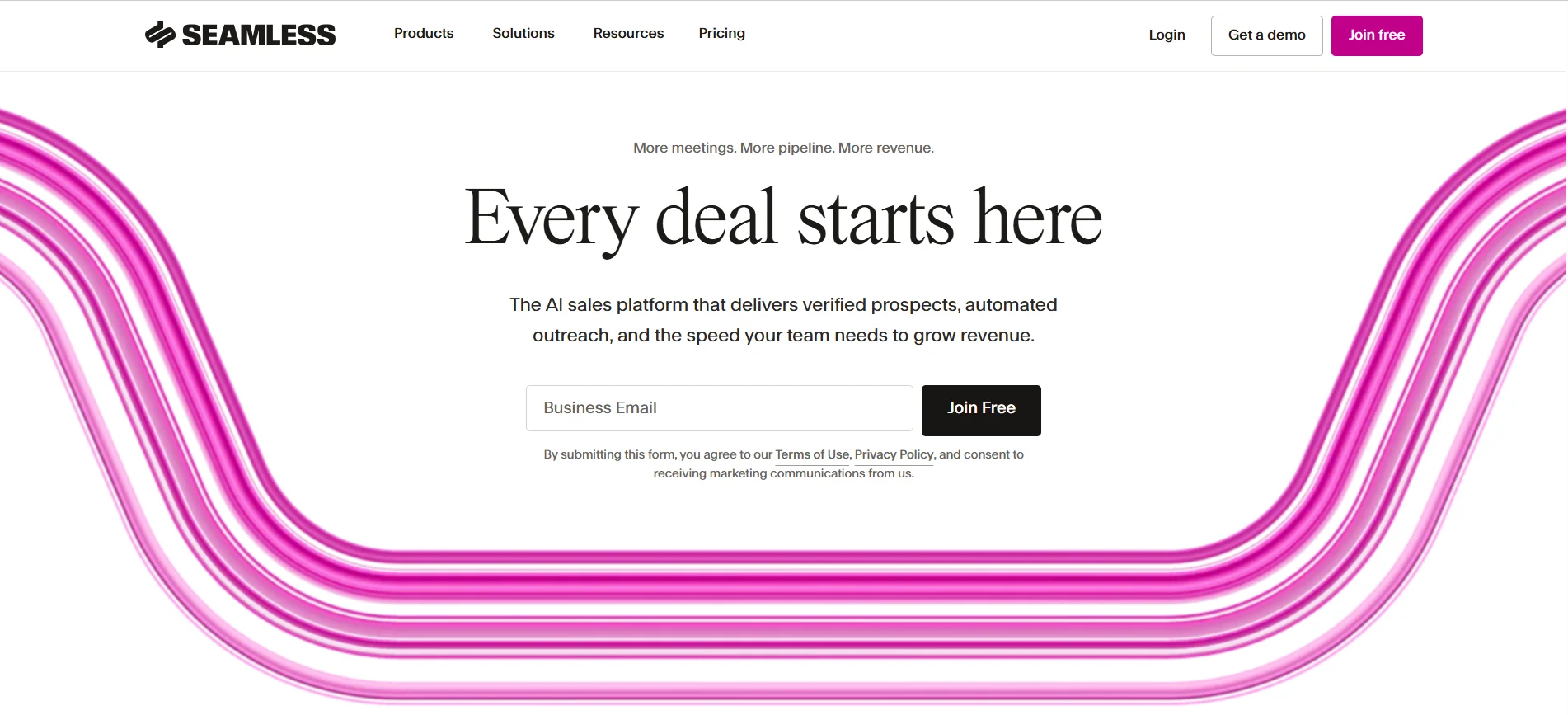
Kaspr pulls contacts from LinkedIn, but Seamless.AI takes a different route by building its data in real time.
Instead of serving a static list, its search engine crawls the web when you run a query and verifies contacts on the spot.
The live verification is handy when you are chasing companies that are growing fast, since their team pages and hiring contacts change constantly.
You can also stack intent signals with job change alerts to catch a new talent leader in their first few weeks, before they lock in vendors.
Free plan with limited credits. Paid pricing is not published openly, and Pro and Enterprise plans are quoted per seat after a call with sales.
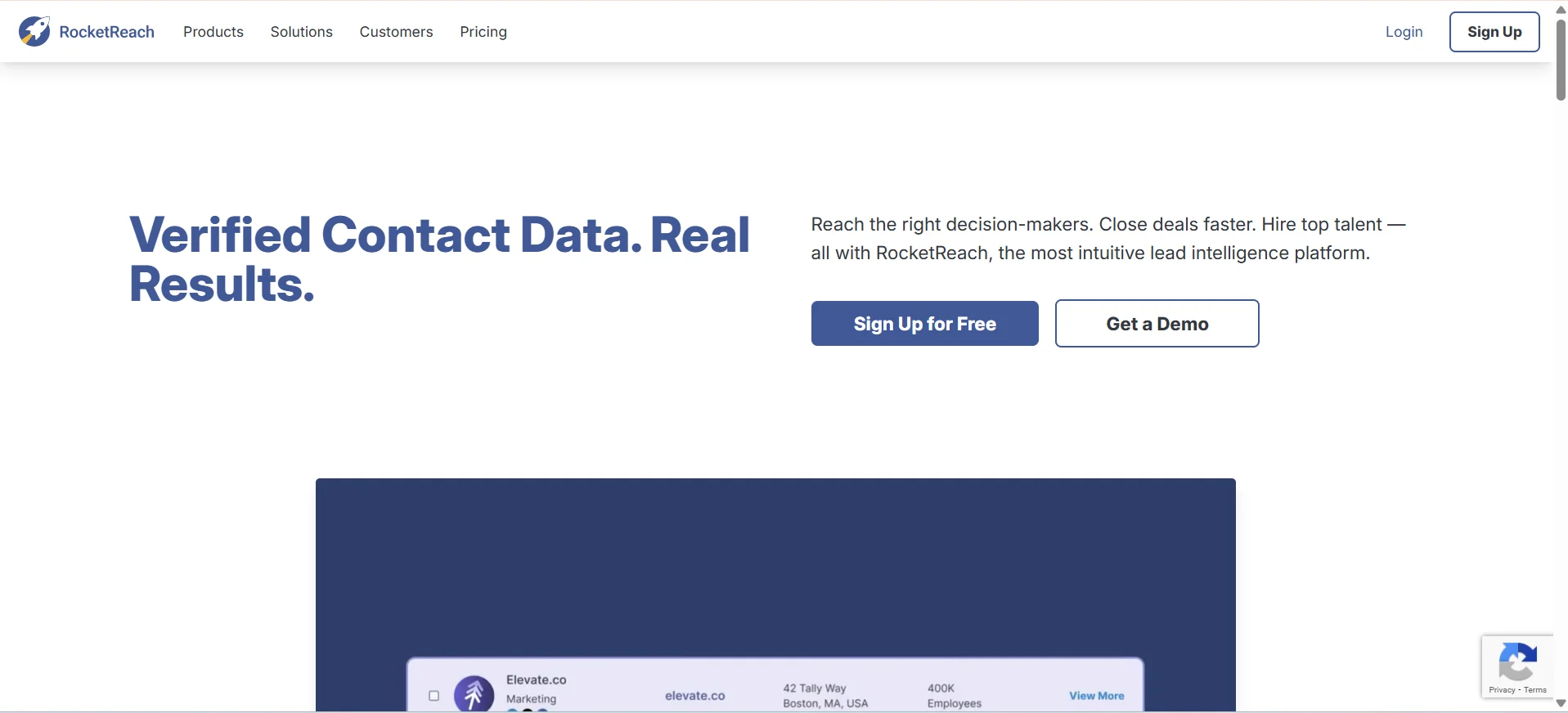
Seamless leans on live search, and RocketReach applies a similar lookup-first idea across a much wider contact footprint.
It is best understood as a contact finder rather than a full sales platform, which is exactly what some agencies need.
When you already know which companies you want to approach, RocketReach is a fast way to get the decision-maker's contact details without a heavy setup.
The API is a quiet advantage too, since you can feed enriched contacts straight into your ATS or an existing outreach tool instead of managing another dashboard.
Free plan with limited lookups. Essentials starts at $39 per user/month, Pro at $99 per user/month, and Ultimate at $249 per user/month, with lower rates on annual billing.
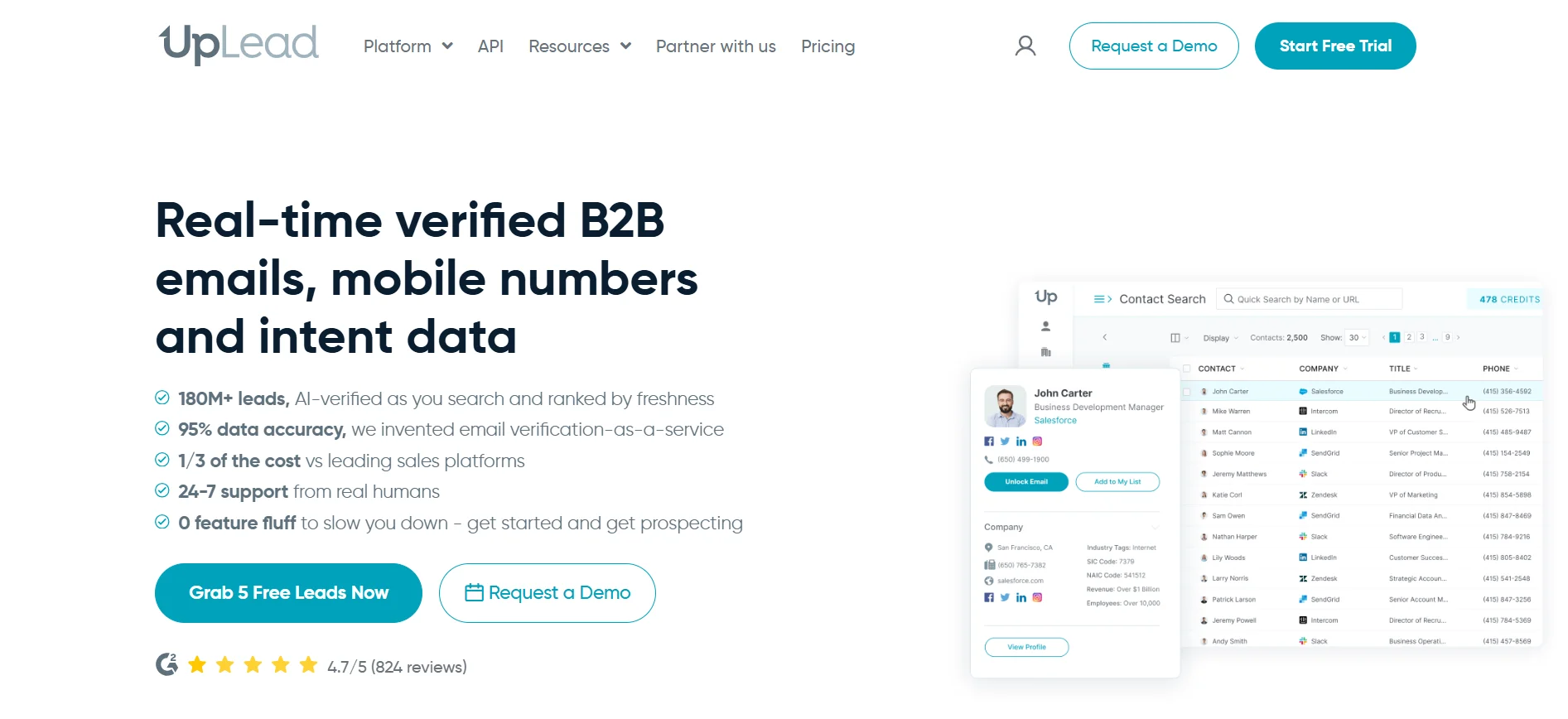
RocketReach gives you reach, but UpLead builds its pitch around accuracy instead of raw volume.
It verifies every email at the moment you download it and offers a credit refund if a contact turns out to be invalid.
If bounced emails have hurt your sender reputation before, the verify-on-download model is worth paying attention to.
You can also filter by technology stack, which helps when you specialize in niches like Salesforce developers or AWS engineers and want companies already running that infrastructure.
That keeps your list tight rather than broad, which matters when credits are finite.
Free trial with 5 credits. Essentials starts at $99/month, Plus at $199/month, and Professional is custom-quoted, with discounts on annual billing.
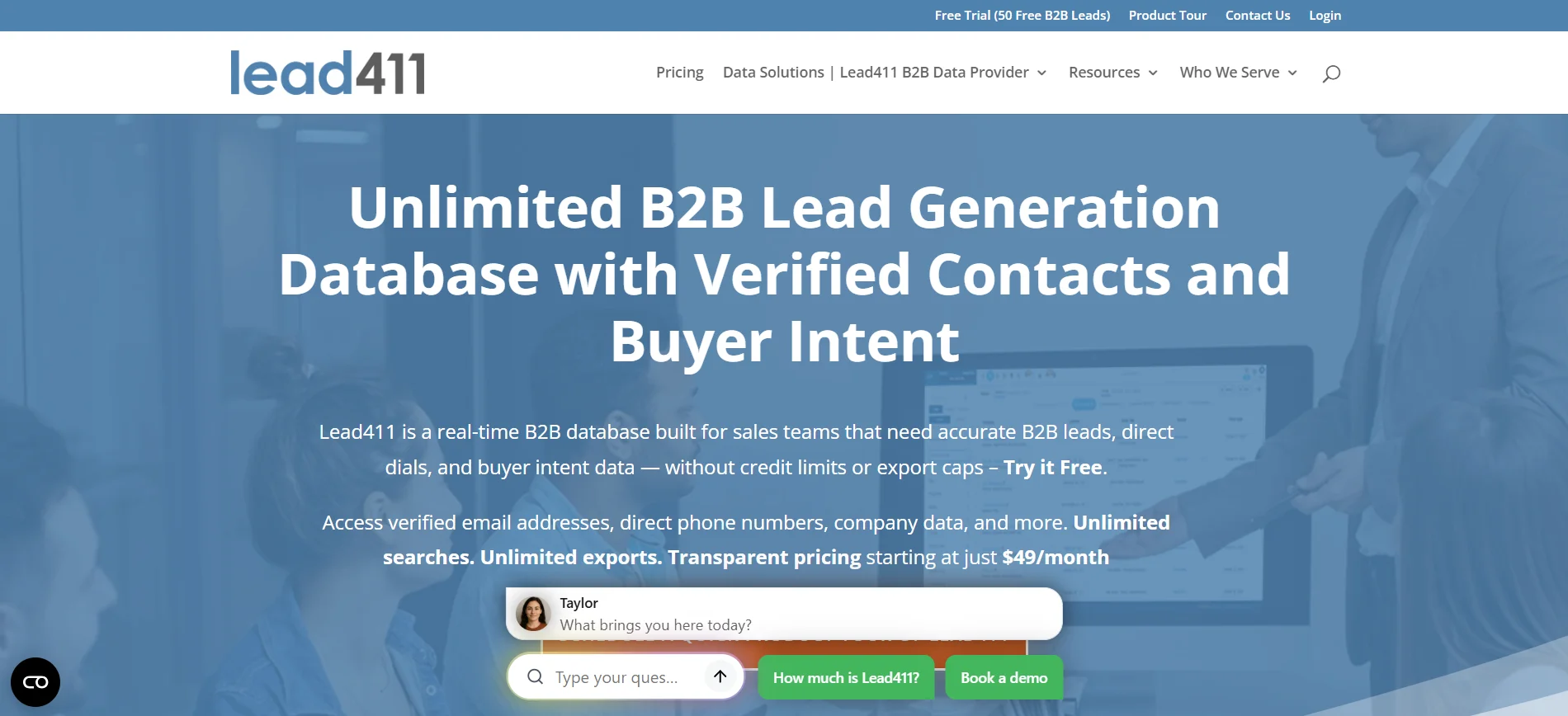
UpLead sells accuracy, and Lead411 rounds out the list by pairing solid contact data with growth intent signals that suit recruiting.
It is a mid-market option that leans heavily on triggers rather than sheer database size.
The hiring trigger is the obvious draw here.
You can get alerted when a target company starts adding headcount and reach the decision-maker while the requisition is still open.
Since basic sequencing is included, a small agency can run data and outreach on one subscription instead of paying for a separate email tool.
Free trial available. The Basic Plus Unlimited plan starts at $99 per user/month billed annually, with Enterprise Limited quoted custom based on data volume and seats.
Eleven options is a lot to weigh, and the honest answer is that the best staffing agency lead generation tool depends entirely on how your agency sells.
A two-person boutique and a national firm chasing enterprise contracts need very different things, so it helps to match the tool to your stage rather than chase the longest feature list.
When you are still doing BD between candidate calls, budget and simplicity matter more than depth.
Lusha and Kaspr work well because the Chrome extension slots into the LinkedIn browsing you are already doing.
You get an email and a mobile number in one click, without learning a new system.
Oppora's free plan is also worth testing if you want prospecting and outreach together without adding a second subscription.
If your deals involve procurement, MSP programs, and multiple stakeholders, you need data depth over speed.
ZoomInfo and Cognism earn their price here. Org charts, verified direct dials, and intent signals let you map a buying committee rather than guess at a single contact.
Expect an annual contract and a real onboarding process, but for six-figure accounts that trade-off usually makes sense.
Some agencies do not want another database. They want the pipeline to run without someone babysitting it.
Oppora fits that need by chaining lead discovery, enrichment, personalized email and LinkedIn outreach, and reply handling into a single workflow.
Apollo and Lead411 also bundle data with sequencing, though you will still handle more of the follow-up manually.
Before you commit to any contract, run the vendor through a short checklist:
Answer those honestly and the shortlist usually narrows itself.
Winning clients as a staffing agency comes down to timing and consistency.
You need to know which companies are hiring, reach the right person quickly, and keep following up while competing recruiters go quiet.
Most of the tools on this list solve one piece of that puzzle. A few try to solve all of it.
If you would rather stop stitching together a database, an outreach tool, and a follow-up system, that is exactly the gap Oppora was built to close.
Its free plan is an easy place to test whether an agent-driven pipeline actually fills your calendar.
Most agencies see replies within the first two to three weeks, but signed clients usually take 60 to 90 days. Hiring decisions involve budget approval and vendor comparison, so consistent follow-up matters more than volume in the early stages.
Some can, but most are built for B2B client acquisition rather than candidate sourcing. Contact databases skew toward decision-makers and business emails. For candidate sourcing, a dedicated ATS or recruiting platform will serve you far better.
Yes, when done correctly. In the US, CAN-SPAM requires accurate sender details and a working opt-out. In the EU and UK, GDPR demands a legitimate interest basis. Choose tools that screen do-not-contact lists and honor unsubscribes automatically.
Not always. Several platforms include lightweight pipeline tracking that suits smaller agencies. Once you manage multiple recruiters and longer sales cycles, a dedicated CRM becomes worthwhile, so check that your chosen tool syncs cleanly with it.
Start around 20 to 30 per inbox daily and scale gradually after warm-up. Sending hundreds from a new domain triggers spam filters fast. Inbox rotation across several mailboxes lets you increase volume safely without risking your sender reputation.
Summarize with AI
Share